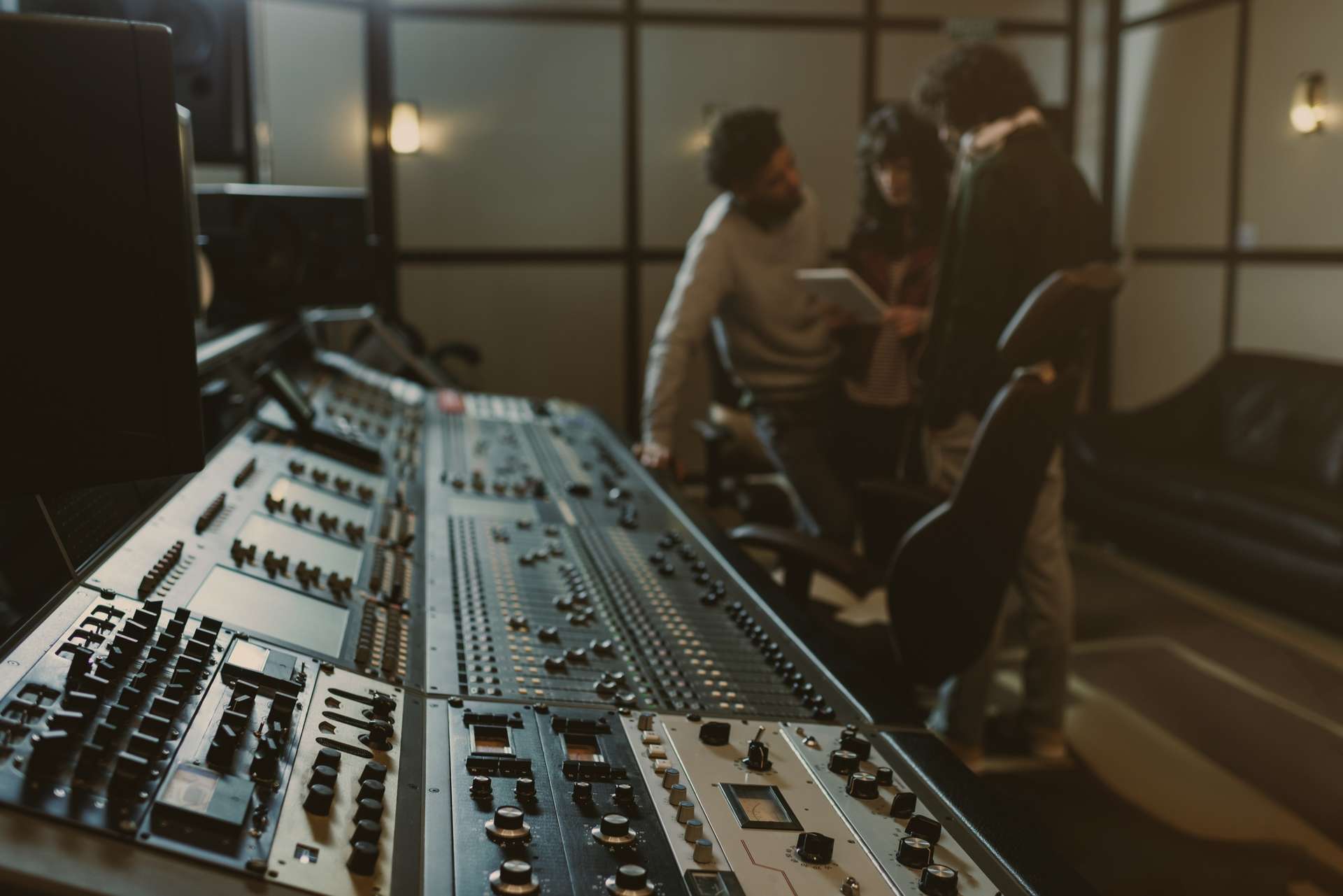
From Final Cut Pro to the sound team
Convert your Final Cut Pro XML into an AAF compatible with Pro Tools and other DAWs: every clip in its place, with its levels, its fades and its markers. Audio from multitrack recordings, multicam, compound and synced clips arrives with its boom, lavaliers and every other microphone.
macOS 14 or later · Apple Silicon

- Standard AAF
- Free up to 5 minutes
- Notarised by Apple
The guided tour
This is how it works
From a Final Cut timeline to a session open in Pro Tools: export the XML, drop it in, check what was read, deliver. All in one window, with nothing hidden in a preferences panel and nothing else to install.
One standard AAF, opened by
One window, nothing hidden
See and hear your session in the app
One window: the tracks the session will open with, every clip drawn from the recording behind it, and the whole delivery set in the column beside them. Move a setting and the session redraws while you watch.
-
The tracks your roles really need
Roles and subroles become named tracks, and a role that overlaps itself needs more than one, because a track carries one microphone at a time. A four-microphone rush opens as Tr1 to Tr4 rather than four tracks all called dialogue — and the real count is on screen before a sample is decoded.
-
Missing material is named
The count says how many clips travel out of how many there are, and what is not on the disk can be relinked or saved to a list.
-
The whole delivery, in the column beside it
Audio inside the AAF or beside it, channels, fades, timecode, rate, depth and handles — set against the timeline they apply to, and saved as a preset when the spec has to travel.
Read from your media
Real waveforms, clips you can play
Not blocks with names on them. Every clip is drawn from the recording it points at, where it falls in the session, so what is on screen is the sound that will travel.
-
Read from the file, not from the XML
Every waveform is drawn from the recording the clip points at, over the exact region the cut uses. An empty channel or the wrong take shows here, not at the mix.
-
Click it and you hear what will travel
It plays the exact channel that will reach the AAF, at the level it was recorded at. Fades are not applied while you listen, and the window says so.
-
Muted material shows, and plays
A clip you silenced is hatched and marked MUTE with its waveform inside, and it still plays: it travels at −∞ rather than vanishing.
Every marker, by kind
The markers, sorted and yours to pick
Final Cut's three kinds — markers, to-dos and chapters — listed with their timecode and their name. See every one, choose which kinds travel, and leave out the ones the mix does not need.
-
Three kinds, each with its own switch
A marker, a to-do and a chapter mark are three intentions. Carry the ones the mix needs and leave the rest: a to-do arrives as [TODO], a done one as [DONE], a chapter as [CHAPTER].
-
The whole list, in one panel
Every marker in the timeline with its timecode, name and kind. Untick one and it stays out of the delivery, and the count reads delivered over total.
-
In the AAF, or as a CSV and a MIDI file
Pro Tools and DaVinci Resolve read them from the AAF itself. Nuendo and Cubase open the CSV or the MIDI written beside it — both optional, off unless you ask.
What lands in your DAW
Not a list of what got converted — what the sound department finds when the session opens, and the parts that decide whether a delivery is finished or only nearly finished.
-
Audio cut from your originals
Takes from your own files exactly the regions the edit uses, with whatever handles you ask for, so dialogue editing has room for fades and fill at every cut.
-
The sound work, intact
Clip gain, volume automation, pan, fades, crossfades, split edits and markers arrive in place.
-
Containers, with every voice
Compound clips, sync clips, multicam and multitrack recordings are opened up, and every microphone that ran travels on a track of its own — what dialogue editing works from.
-
Metadata from every take
Scene, take, sound roll and the recordist's note arrive in the fields your DAW has for them, and every region keeps the timecode the recorder stamped on it. With the audio beside the AAF, each WAV also carries everything else the field recorder wrote: shoot date, channel names, UBITS and cue marks.
-
It finds your media
Reads the paths of the media files used in Final Cut Pro directly, with no need to hunt down and relink each file by hand.
-
Whatever your rushes are
WAV, BWF, RF64, AIFF, CAF, MP3, MP4, MOV and MXF, at any size, read straight from the drive with no conversion step first.
-
The exact settings
Sound sets the delivery up the way their delivery spec asks and exports a preset. The editor loads it and delivers exactly that, with nothing left to interpretation.
-
Markers, in whichever DAW
Pro Tools and DaVinci Resolve read them from the AAF itself. Nuendo and Cubase open the CSV or the MIDI written into the same delivery folder, beside the AAF.
-
Nothing is lost quietly
Every delivery ships with a report: what travelled, what could not, and what was delivered a particular way on purpose. You find out here, not in the mix room with the clock running.
Final Cut Pro to Pro Tools in three steps
All three on your own machine.
- 1
Export the XML
In Final Cut Pro, select the project and choose File ▸ Export XML.
- 2
Open it
Drop that file on the app. Your media is found from the paths Final Cut wrote inside it, so there is nothing to relink and nothing to point at.
- 3
Set it up and deliver
Choose fades, handles, timecode and tracks. You get the AAF, its audio, and a report of what travelled and what did not.
How to export AAF from Final Cut Pro to Pro Tools, screen by screen
Pricing
What it will cost
Free for projects up to five minutes, with every feature in it, and you can download that today. One payment, once, for anything longer — and no subscription either way. Until 30 September the launch codes take the pass to $9 and the lifetime licence to $39.
-
Free
$0 USD always
For short pieces, and for finding out whether it works the way you work. Available now.
- Projects up to 5 minutes
- Every feature switched on
- The same engine as the paid plans
DownloadmacOS 14 or later · Apple Silicon
-
3-Day Pass
$9 USD
$15Save $6 for 3 daysLaunch coupon Enter it at checkout — until 30 SeptemberFor one project's turnover: a feature, a short, a documentary.
- Timelines of any length
- One Mac at a time
- The three days start at purchase
Buy (opens in a new tab)macOS 14 or later · Apple Silicon
- Most will want this
Lifetime
$39 USD
$79Save $40 once, for lifeLaunch coupon Enter it at checkout — until 30 SeptemberFor anyone who does this for a living: series, features, a post house. Pay once and stop thinking about it.
- Timelines of any length
- One Mac at a time
- Every future update, for life
Buy (opens in a new tab)macOS 14 or later · Apple Silicon
14-day guarantee. If it does not work on your project and we cannot fix it, you get your money back. How refunds work →
All prices are in US dollars (USD). Tax is already inside them. Dodo Payments takes the payment and issues the receipt, and the charge reaches your statement as DODOPAY_FCPAAF. How buying works →
Every licence works on one Mac at a time and can change Mac five times every 30 days. Need more? Write to us and we will be happy to reset them. How your licence works, in full →
Why the pass exists
A pass that lasts a delivery
I was a film student too. Moving what reached me from Final Cut into a DAW was complicated, and I could not afford the tools that fixed it. That is why the 3-day pass exists. Post is booked by the delivery and not by the year, and paying for a full licence to hand over once never made sense to me.
- For students
- Delivering once does not need a full licence. Three days does.
- For one project
- For that delivery you have pending.
- For the one-off job
- It came up once. You solve it once, and you do not overpay.
Reviews
From the editors who use it
-
Faster, better, and cheaper than X2Pro5! The icing on the cake is that the after-sales service is truly responsive and fast!
Maxime Videomaker -
This app is a tremendous ally: it solves the FCP to Pro Tools workflow in a way I thought was impossible. The support is up to industry standards, and the beauty of the interface is no small bonus. Very happy with the purchase!
Translated from Spanish
Daniel Santana Editor and post-producer · Cinevolta -
Was working on an 80 minute documentary with thousands of clips of various frame rates and sources and fcp2aaf did a great job at converting — far superior to X2Pro — and delivered an extensive report that I could provide my sound mixer. I had some questions regarding the process and got immediate response from the programming team along with a code update to make my individual process more seamless! Which it was. Could not be more pleased. Essential product for any FCP editor working with Pro Tools, and amazing tech support.
Oscar Bucher Editor · Oscar Bucher Productions / OB3.tv
Questions people ask
Can Final Cut Pro export AAF?
No. Final Cut Pro exports FCPXML, a document describing the edit, and no AAF at all. fcp2aaf reads that FCPXML and writes the AAF from it, cutting the audio it needs out of your original media.
Do I need Final Cut Pro on the machine that converts?
No. It reads the FCPXML that Final Cut exported and the media that document points at, so the conversion can happen on any Mac that has both — an assistant's machine, or the one nearest the drive. Final Cut does not have to be running, or even installed.
What does it cost?
Projects up to 5 minutes are free, with every feature switched on. Beyond that it is $15 for a 3-day pass or $79 once, for life, including every future update. Both are on sale now, and until 30 September the code 3DAYPASS puts the pass at $9 and LIFETIME puts the licence at $39 — the code has to be entered at checkout. There is no subscription.
Can I move it to another Mac?
Yes. A licence is active on one Mac at a time: install the application on the other Mac and enter the same licence — it is not a second one and there is nothing more to buy. It will tell you the previous Mac is still holding it. Release that one, activate this one, and you are working. A licence can change Mac five times every 30 days, and each change comes back 30 days after you use it. It covers a new machine, a reinstall or the laptop that goes on a trip, and is the whole of the limit.
What do I need to run it?
A Mac with Apple Silicon (M1 or newer) running macOS 14 or later. There is no Intel or Windows build: this is one person's work, and supporting three platforms properly is not something one person can do.
What does the mixer receive?
Either a single self-contained AAF with the audio inside it, or a folder holding the AAF, the conformed audio it points at, and a plain-text report of what travelled and what did not. The folder version is lighter to produce; the single file is simpler to hand over.
Does it work with DAWs other than Pro Tools?
Yes. The default output is standard AAF, which Nuendo, Cubase, Fairlight and DaVinci Resolve open as well — there are pages for Nuendo and Cubase, DaVinci Resolve, Media Composer and Premiere Pro. The one non-standard option, grouping a clip's channels into a stereo track, is off by default.
Is it only for film and series?
No. It is built around film and series post — which is why every microphone, the source timecode and a delivery report travel — but a video for the internet or a corporate piece goes through exactly the same way.
When can I download it?
Now, and all of it. The free plan is out for everybody: download it today and convert projects up to 5 minutes with every feature switched on, on any Apple Silicon Mac running macOS 14 or later. Anything longer needs a licence, and those are on sale — a 3-day pass for one delivery, or one payment for life.
Ready to turn the cut over to sound?
Download it and convert something today: up to 5 minutes is free, for everybody, with every feature switched on. Longer timelines are one payment, and until 30 September the launch codes make it $9 for a pass or $39 for life.
Get the release notes
An email when there is a new version, saying what changed. Nothing else — no marketing, no drip, no third-party lists. One click to leave, on every message.
Your address is used for the release notes and nothing else, and every message carries a link to leave.